Why ChatGPT Doesn't Recommend Your Shopify Store (and How to Fix It)
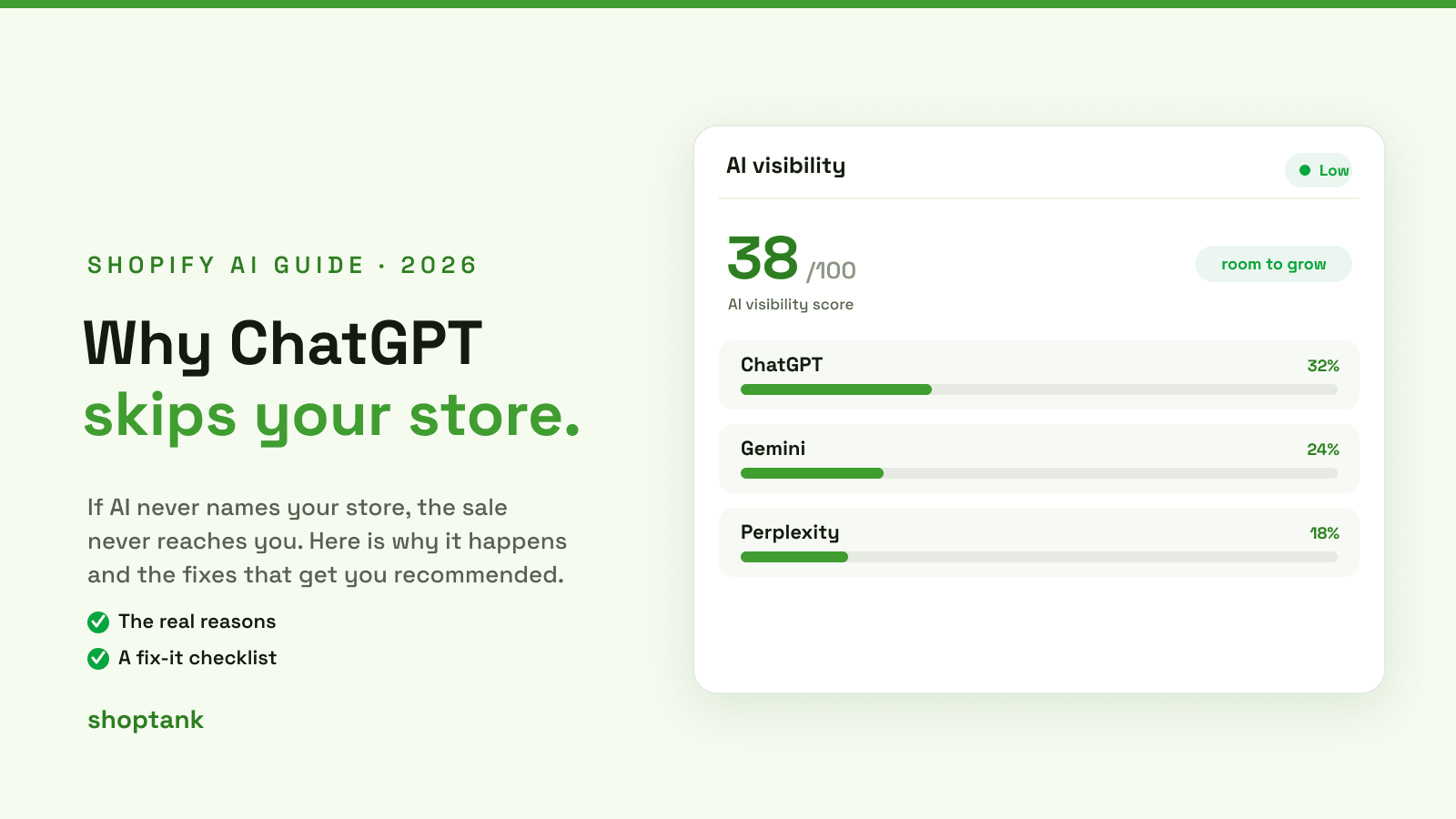
You sell great products. Your store looks good, your reviews are solid, and buyers who find you convert. So why, when a shopper asks ChatGPT what to buy, does it name three other stores and never yours?
Being invisible to AI shopping is rarely about product quality. It is about whether the assistant can understand and trust your data. The good news is that the reasons are specific, and so are the fixes. Here is why ChatGPT skips your store, and exactly how to get recommended.
Key takeaways
- AI recommends stores it can understand. Thin or badly categorized product data is the usual reason you are skipped.
- If you have not turned on Shopify Agentic Storefronts, you are not even eligible to appear.
- The fixes are concrete: syndicate, enrich, categorize, add schema, publish a knowledge base, earn trust signals.
- Re-test your real buyer queries so you can see which ones flip from a competitor to you.
- The easiest way to do it all is Shoptank, a Shopify app that tracks your rank and drafts the fixes for you, free to start.
On this page
- First, confirm it is happening
- Why ChatGPT skips your store
- How AI actually decides
- How to fix it, step by step
- How long it takes
- Common mistakes to avoid
First, confirm it is happening
Before you fix anything, see the gap for yourself. Open ChatGPT and ask the question a real buyer would ask, using the words they would use, such as best gift for a coffee lover under 50 dollars. If the answer names other stores and not yours, you have a visibility gap. Repeat the same question in Gemini and Perplexity, because they draw on different sources and often answer differently. Write down which store won and which query you lost. That list is your to-do list.
Why ChatGPT skips your store
There are four reasons this happens, and most stores have more than one.

Thin product data. If your titles and descriptions are short and vague, the assistant cannot tell what the product is, who it is for, or when to recommend it. It matches the shopper to a store whose data spells that out.
Wrong categories and taxonomy. AI leans on categories to understand your catalog. If your products sit in the wrong category or have missing attributes, they are effectively hidden, even from a search they should win.
You are not syndicated. If Shopify Agentic Storefronts is off, your products are not in the feed that agentic shopping pulls from, so there is nothing for the assistant to surface.
No trust signals. Assistants weigh cited sources and reviews. A store with no reviews and nothing written about it looks riskier to recommend than one that the wider web already vouches for.
How AI actually decides
Assistants do not rank pages the way Google does. They read structured product data, lean on the Shopify Catalog behind agentic storefronts, weigh cited sources and reviews, and match all of it to the shopper's intent before naming a few stores. The difference between invisible and recommended is almost entirely about the data and trust signals you give them. For the full picture, see our guide to answer engine optimization and how the Shopify AI Catalog works.

How to fix it, step by step
Work these in order. Each one moves you closer to being the store the assistant names.

- Turn on Shopify Agentic Storefronts. It is free and built in, and it is the price of entry. Without it you are not eligible to appear at all.
- Enrich your titles and descriptions. Say clearly what the product is, who it is for, and the problem it solves, in plain language a shopper would use.
- Fix categories and taxonomy. Put every product in the right category and fill in the attributes that matter, so AI can match you to the right question.
- Add product and FAQ schema. Structured data tells assistants what your pages mean. See our guide to adding schema markup.
- Publish a knowledge base. Answer common buyer questions in the form assistants read, so the answer they give about you is the one you wrote.
- Earn reviews and cited sources. Reviews and mentions across the web are trust signals AI rewards. Work the sources that already rank for your queries.
The easiest way to do all of this in one place is Shoptank. It is a Shopify app that tracks where you rank across ChatGPT, Claude and Perplexity, shows who AI recommends instead of you, and drafts the fixes for you, from product data to the knowledge base. It installs from the App Store and has a free plan, so you can start at no cost. If you want to weigh the alternatives first, see our roundup of the best AI visibility tools for Shopify.
How long it takes
There is no fixed timeline. Syndication and data fixes can show up within days to a few weeks as engines re-crawl, while trust signals like reviews and cited sources build over months. The point is to re-test your buyer queries regularly. When a query flips from a competitor to you, you know the work is landing, and you can move on to the next one you still lose.
Common mistakes to avoid
- Skipping the foundation. Without Agentic Storefronts turned on, none of the other fixes can help.
- Fixing one product and stopping. AI answers span your whole catalog. Enrich all of it, not just your hero product.
- Testing one engine. ChatGPT, Gemini and Perplexity answer differently. Win each on its own terms.
- Treating it like classic SEO. Being one of ten links is not the same as being the single store the assistant names.
The fastest way to start is to run your own store against the assistants and see who they recommend instead of you. If you are on Shopify, you can do that free.